Installation on Fire TV Stick
Any Fire TV Stick or Fire TV. The Downloader app, then the player.
Before you start
- Your Prima 4K account details (username, password and server URL), sent by email or WhatsApp after ordering.
- A stable internet connection: 10 Mbps for HD, 25 Mbps for 4K. Wired or 5 GHz Wi-Fi is best.
- An Amazon account signed in on the Stick, and the remote.
Step by step
Step 1
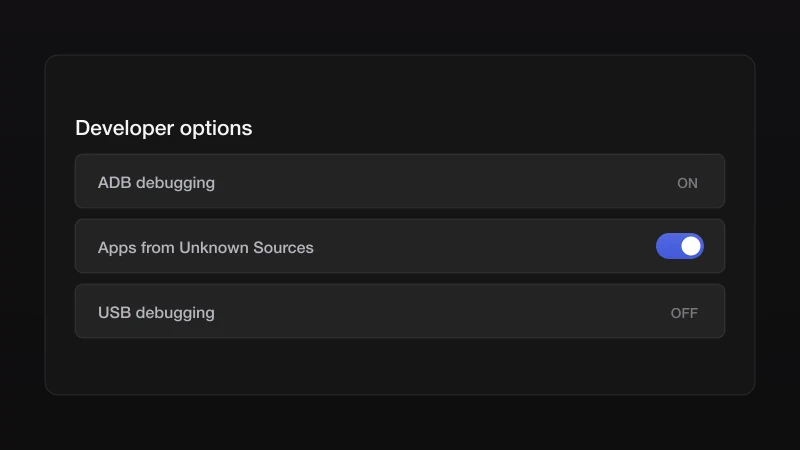
Allow apps from unknown sources
Go to Settings, My Fire TV, Developer options, and turn on Apps from Unknown Sources. If Developer options is hidden, open About and press the Fire TV Stick entry seven times.
Step 2
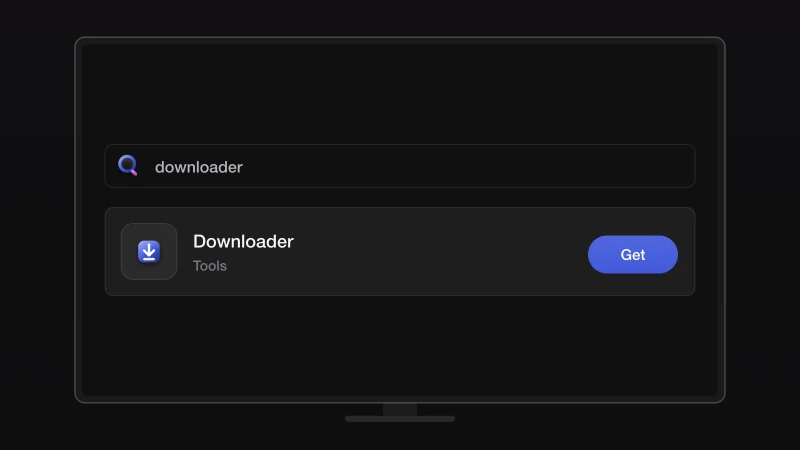
Install Downloader
From the home screen, search for Downloader and install it from the Amazon store. Open it and allow the permissions it asks for.
Step 3
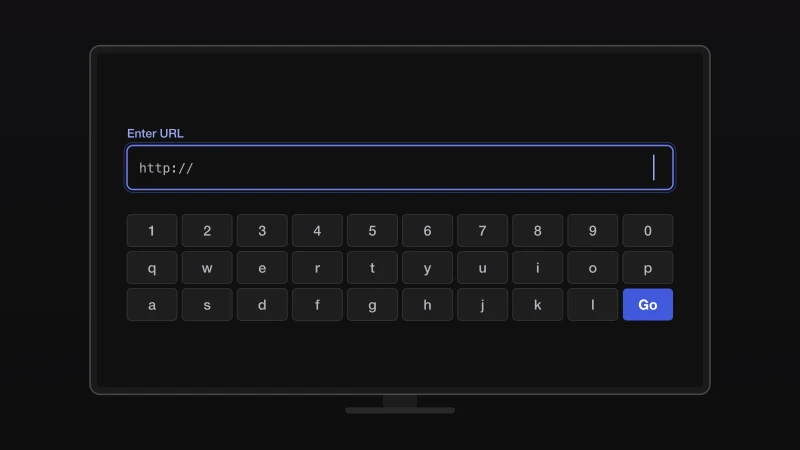
Enter the player address
In Downloader, type the download address we sent you on WhatsApp and press Go. The player file downloads and the installer opens.
Step 4
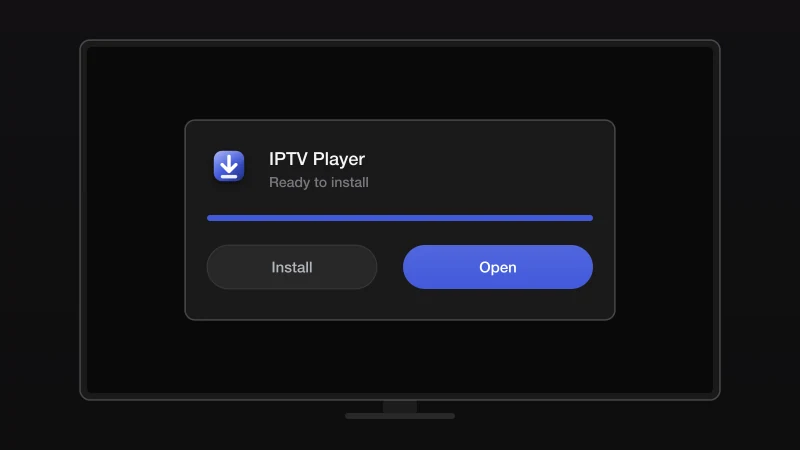
Install and open the player
Press Install, then Open. You can delete the downloaded file afterwards to save space.
Step 5
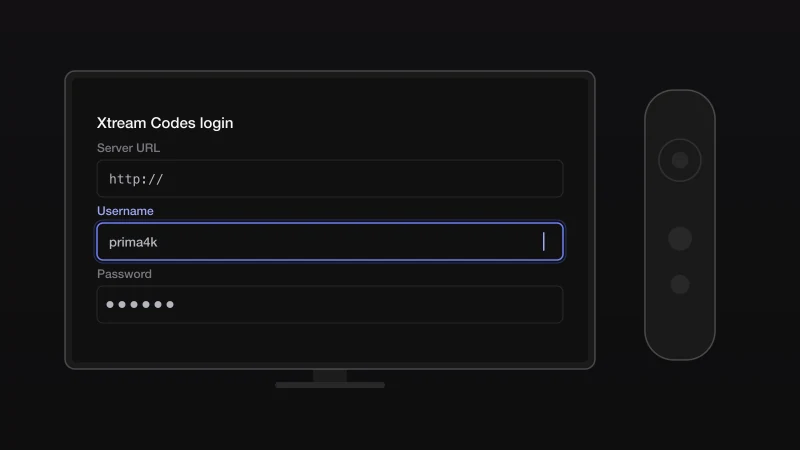
Log in with Xtream Codes
Choose the Xtream Codes login and enter the server URL, username and password from your Prima 4K message.
Step 6
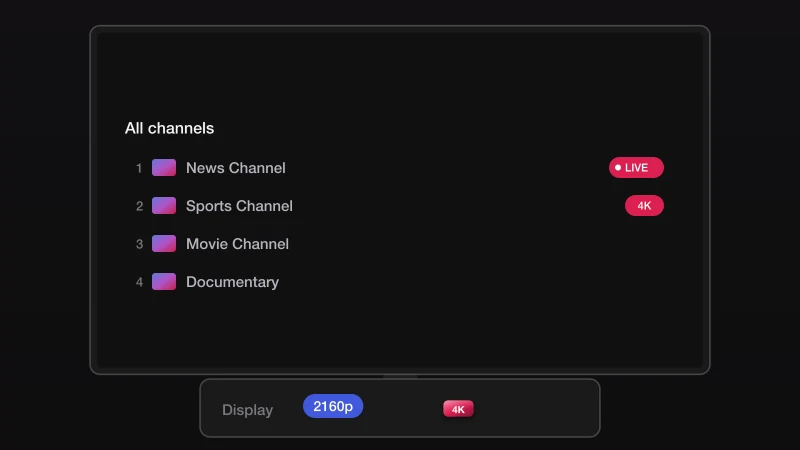
Load the channels
Wait for the list to download, then open Live TV. On a 4K Stick, set the display to 2160p in Settings, Display & Sounds to get 4K.
If something goes wrong
Check the address character by character; it is case-sensitive. If it still fails, message us and we send a fresh short link.
Type the username and password exactly as sent, with no spaces before or after. Both are case-sensitive. If you copied them from an email, delete any trailing space.
Run a speed test on the device. Below 10 Mbps, move closer to the router or use Ethernet. If the speed is fine, restart the app and the router, then try another server from the list we sent.
The account may have expired or be in use on another device at the same time. Message us with your username and we check it in a minute.
Stuck? We install it with you
Send us a message with your device and where you got to. We walk you through the rest on WhatsApp, seven days a week.
Other devices
Smart TV
Samsung, LG, Android TV and Google TV. An app from the TV's store and your account details.
5 stepsOpen the guideAndroid TV & Box
Android TV, Google TV, Android boxes, phones and tablets.
5 stepsOpen the guideiPhone & iPad
iPhone, iPad and Apple TV, from the App Store.
5 stepsOpen the guideMAG box
MAG 250 to MAG 524 and other Infomir boxes, via the portal URL.
4 stepsOpen the guideVLC & desktop
Windows, macOS and Linux, with the free VLC media player.
4 stepsOpen the guide