Installation on Smart TV
Samsung, LG, Android TV and Google TV. An app from the TV's store and your account details.
Before you start
- Your Prima 4K account details (username, password and server URL), sent by email or WhatsApp after ordering.
- A stable internet connection: 10 Mbps for HD, 25 Mbps for 4K. Wired or 5 GHz Wi-Fi is best.
- A Smart TV connected to the internet, with access to its app store (Samsung Apps, LG Content Store, Google Play).
Step by step
Step 1
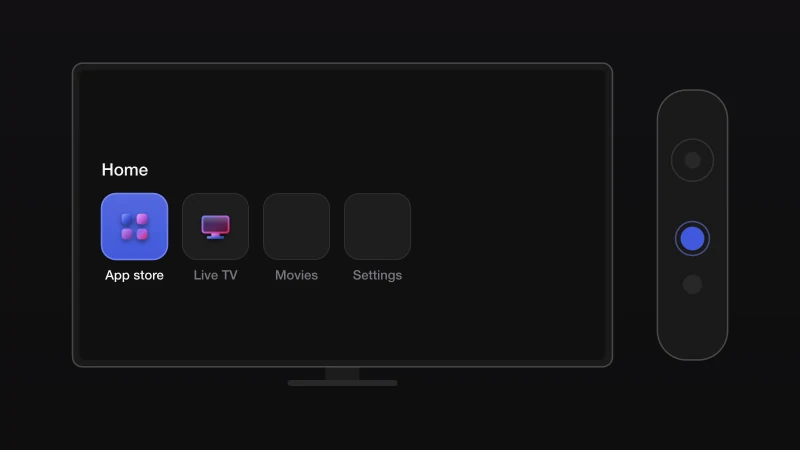
Open the TV's app store
Press the Home button on the remote and open the store: Samsung Apps on Samsung, LG Content Store on LG, Google Play on Android TV and Google TV.
Step 2
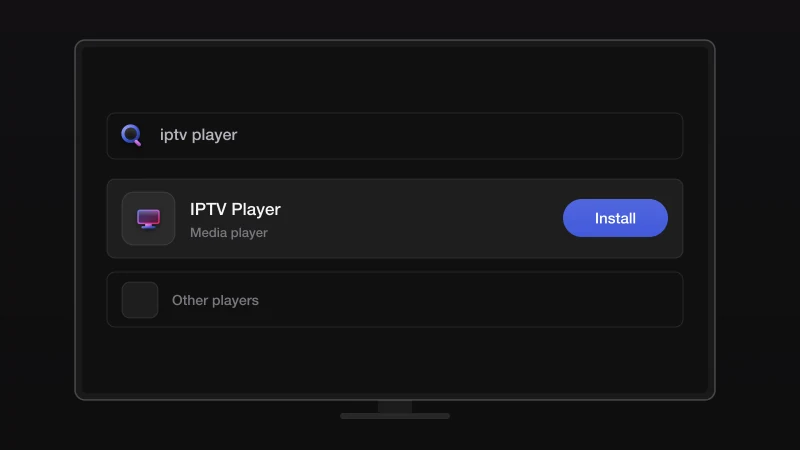
Install an IPTV player
Search for an IPTV player that supports Xtream Codes login and install it. We recommend one by name on WhatsApp because store availability changes by country.
Step 3
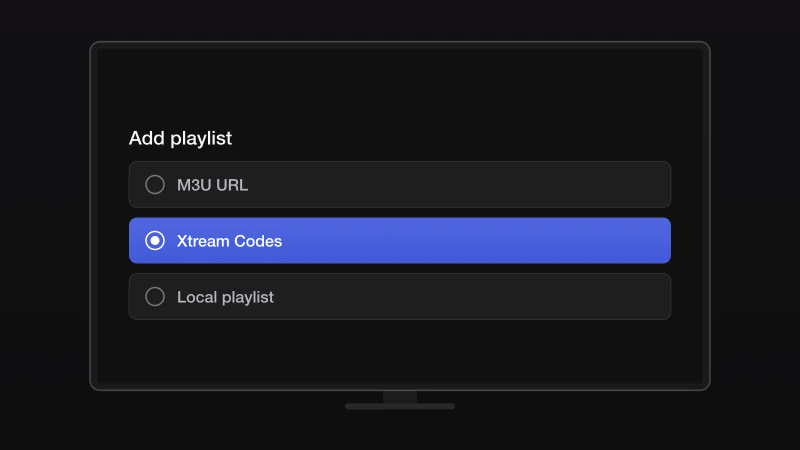
Open the player and choose Xtream Codes login
On first launch the player asks how you want to add a playlist. Choose the Xtream Codes or Xtream API option, not M3U.
Step 4
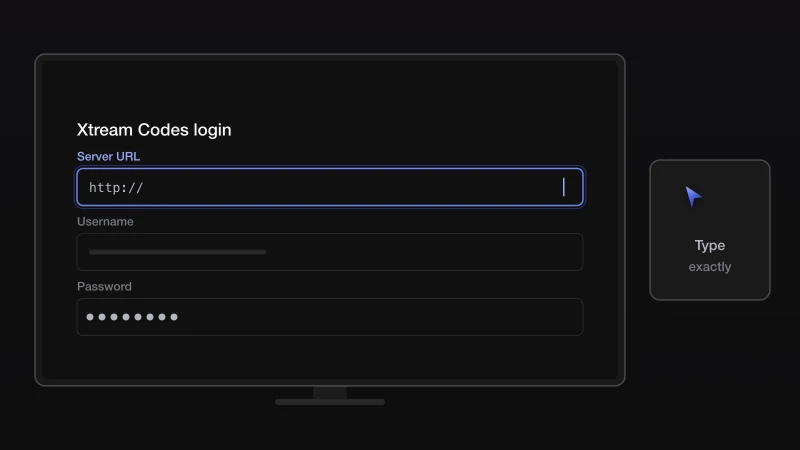
Enter your account details
Type the server URL, username and password from your Prima 4K message exactly as written. Give the playlist any name, such as Prima 4K.
Step 5
Load the channels
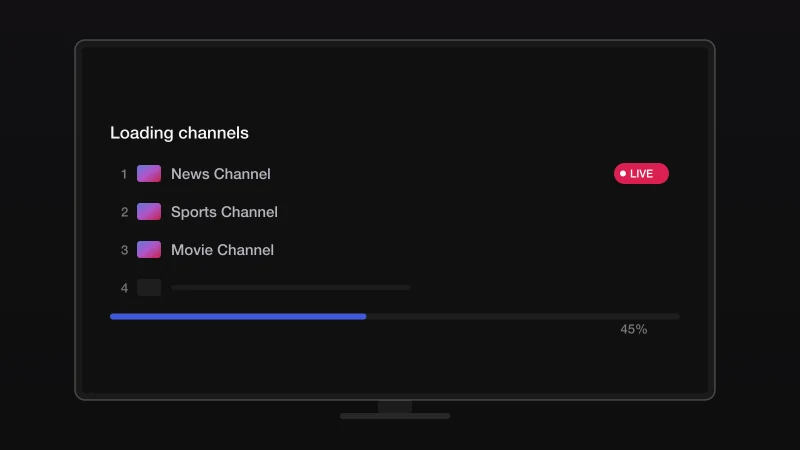
Confirm and wait while the channel list downloads. This can take a minute the first time. Open Live TV and pick a channel to check the picture.
If something goes wrong
Availability varies by country and TV year. Message us with the TV brand and model and we suggest an app that is in your store.
Type the username and password exactly as sent, with no spaces before or after. Both are case-sensitive. If you copied them from an email, delete any trailing space.
Run a speed test on the device. Below 10 Mbps, move closer to the router or use Ethernet. If the speed is fine, restart the app and the router, then try another server from the list we sent.
The account may have expired or be in use on another device at the same time. Message us with your username and we check it in a minute.
Stuck? We install it with you
Send us a message with your device and where you got to. We walk you through the rest on WhatsApp, seven days a week.
Other devices
Fire TV Stick
Any Fire TV Stick or Fire TV. The Downloader app, then the player.
6 stepsOpen the guideAndroid TV & Box
Android TV, Google TV, Android boxes, phones and tablets.
5 stepsOpen the guideiPhone & iPad
iPhone, iPad and Apple TV, from the App Store.
5 stepsOpen the guideMAG box
MAG 250 to MAG 524 and other Infomir boxes, via the portal URL.
4 stepsOpen the guideVLC & desktop
Windows, macOS and Linux, with the free VLC media player.
4 stepsOpen the guide